Image to Image Generator

Free AI Image Generator Online

Create original visuals from text with our AI Image Generator, then download your result.

Model
Quick Select
0/20,000
Try these examples
Aspect Ratio

Loading recent tasks…

Expand Your Creative Range with the AI Image Generator

Turn detailed text prompts into original visuals across a broad range of lawful creative directions. Our AI Image Generator works as a flexible text image generator, giving you room to define the subject, setting, composition, atmosphere, lighting, color palette, and aesthetic so the model can transform a simple concept into a more focused and expressive result.
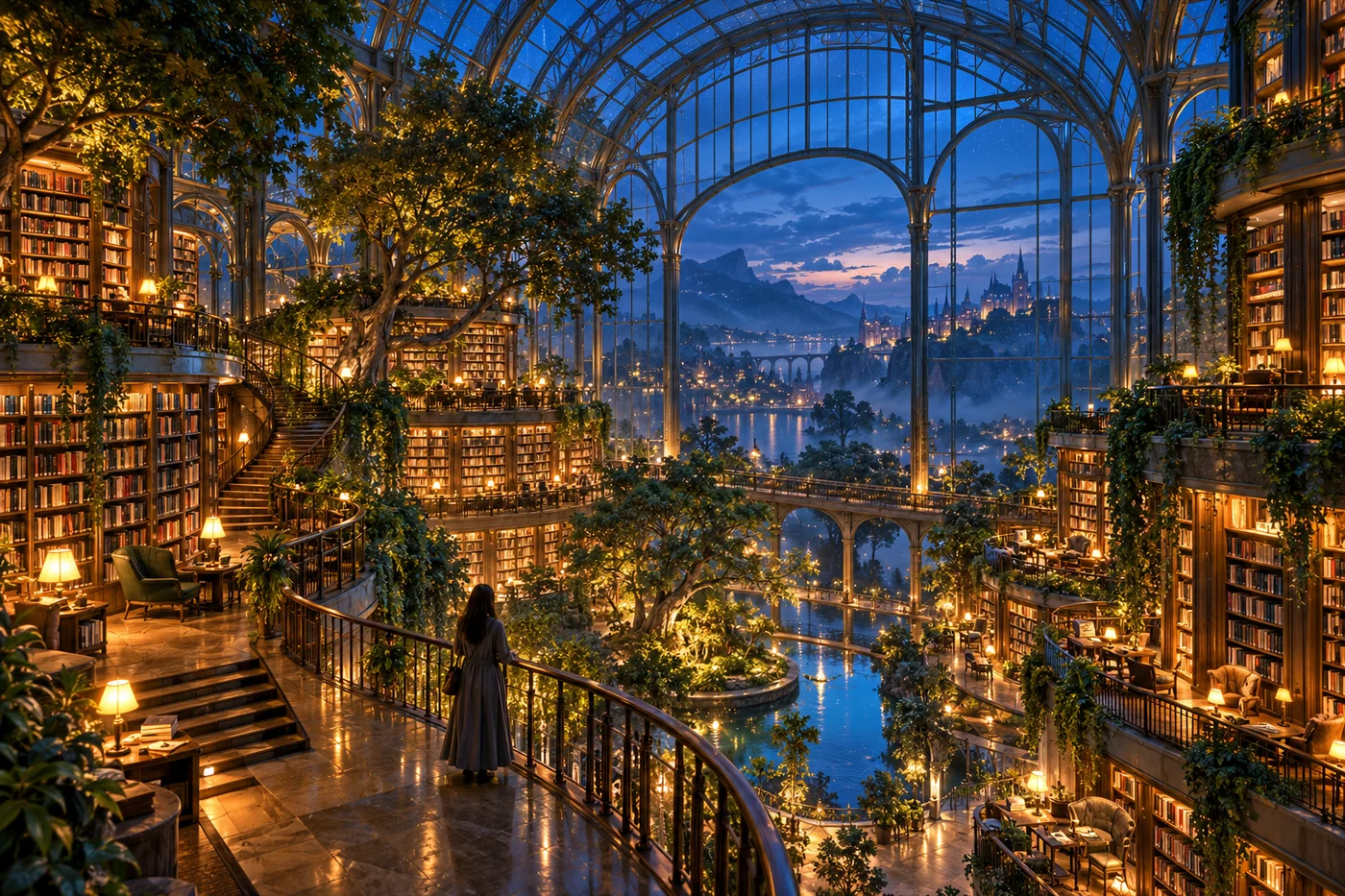
Cinematic glasshouse library generated from a text prompt at blue hour

AI Photo Generator for Characters, Products, and Complete Scenes

Create more than one kind of visual from a text prompt with our AI Photo Generator. Design original characters, build polished product concepts, or imagine complete environments from a blank canvas. Describe the subject and its purpose, then add details about materials, setting, camera angle, lighting, and mood to shape a result that fits your idea.

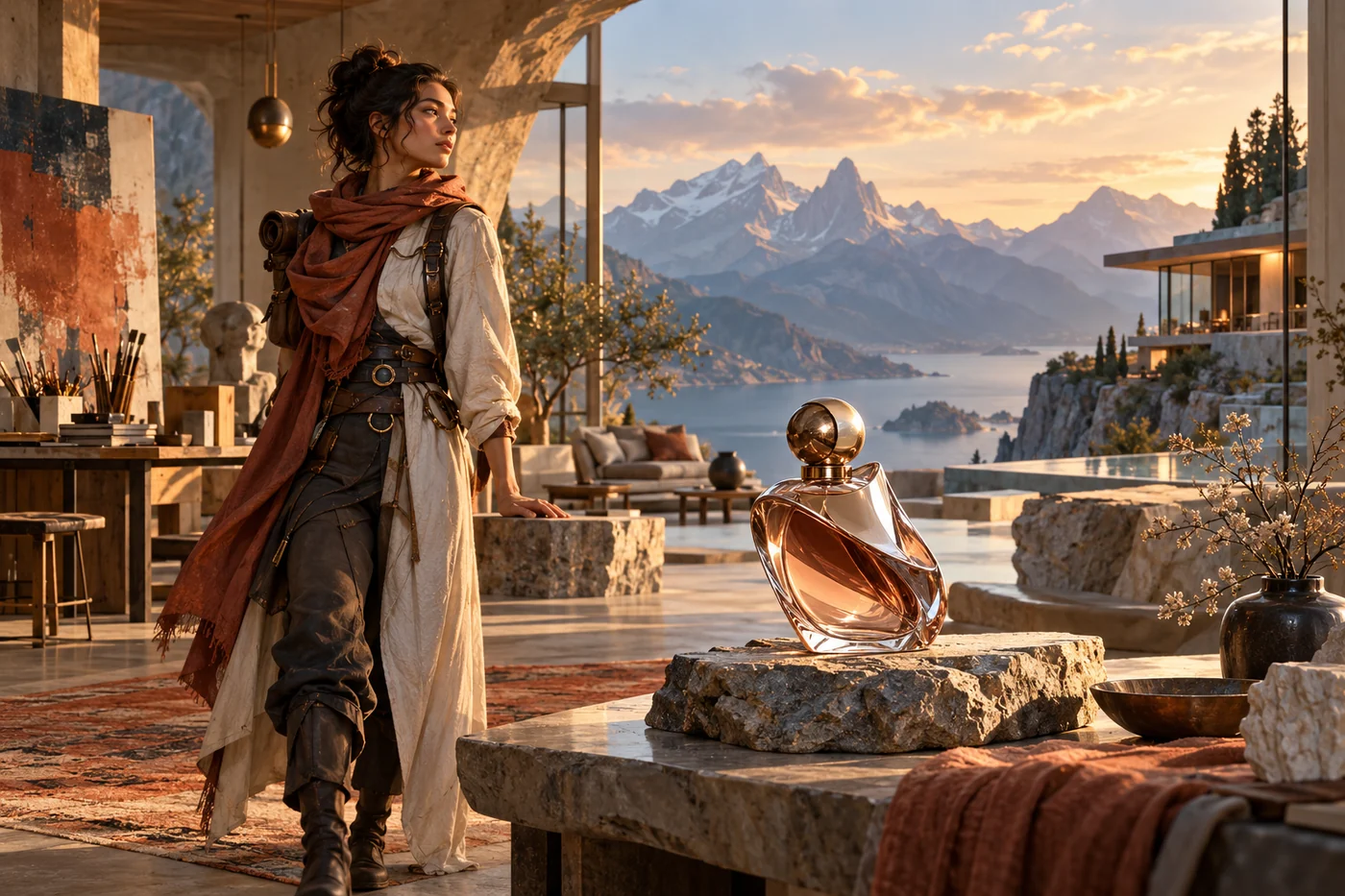
Original traveler character, perfume product concept, and mountain retreat scene

AI Image Generator Styles for Photorealistic, Anime, and Artistic Visuals

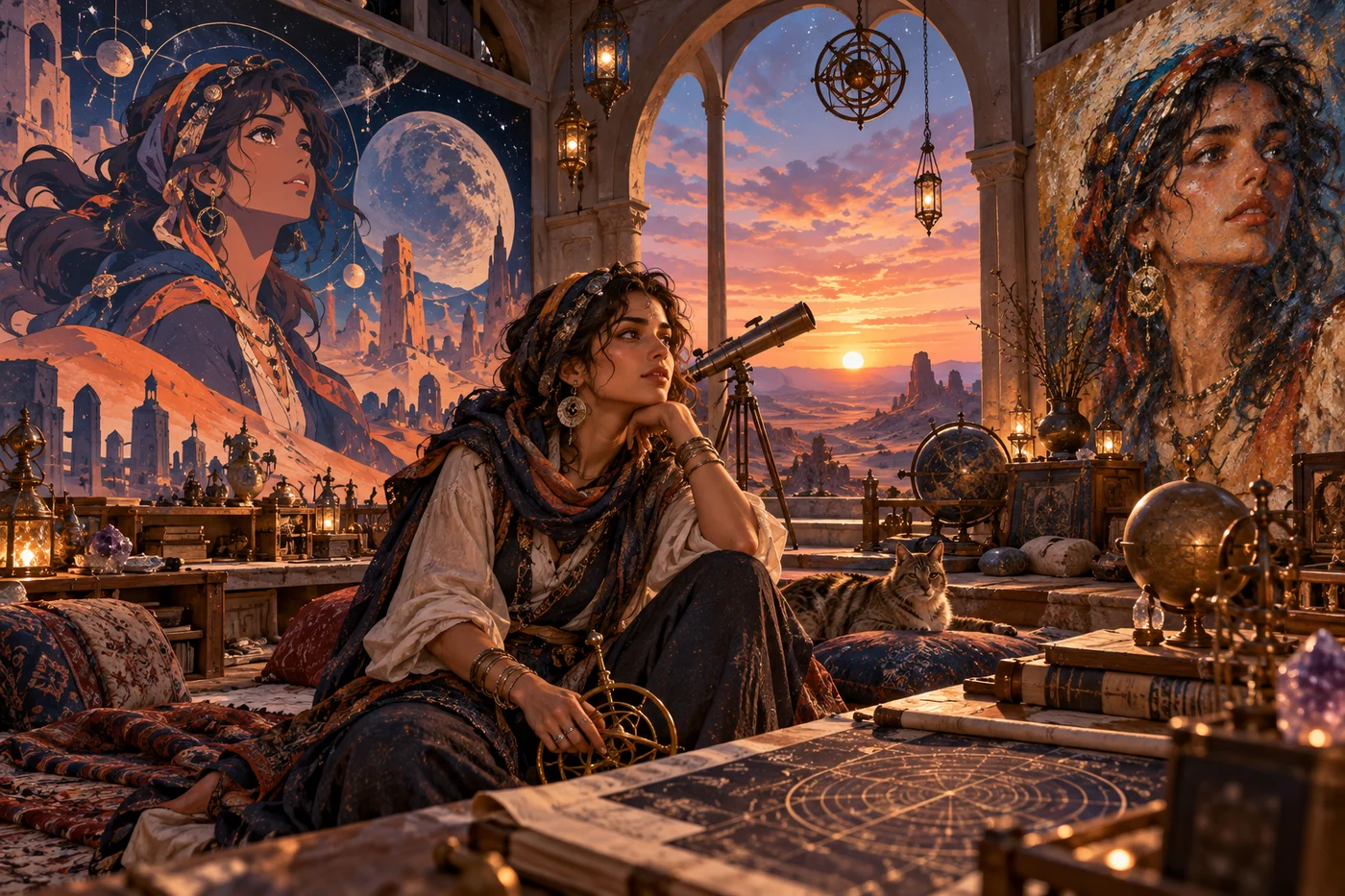
Use the tool as an AI art generator for polished photography, cinematic anime, editorial illustration, or painterly concept art by describing the medium, lighting, color palette, composition, texture, and final finish in your prompt. If you are looking for the best AI image generator for a flexible creative workflow, these precise style cues make it easier to keep your subject consistent while exploring distinct visual directions for personal or commercial projects.

Desert astronomer shown as a photoreal subject and in anime and painted styles

Control Models, Aspect Ratios, and Resolution in the AI Photo Generator

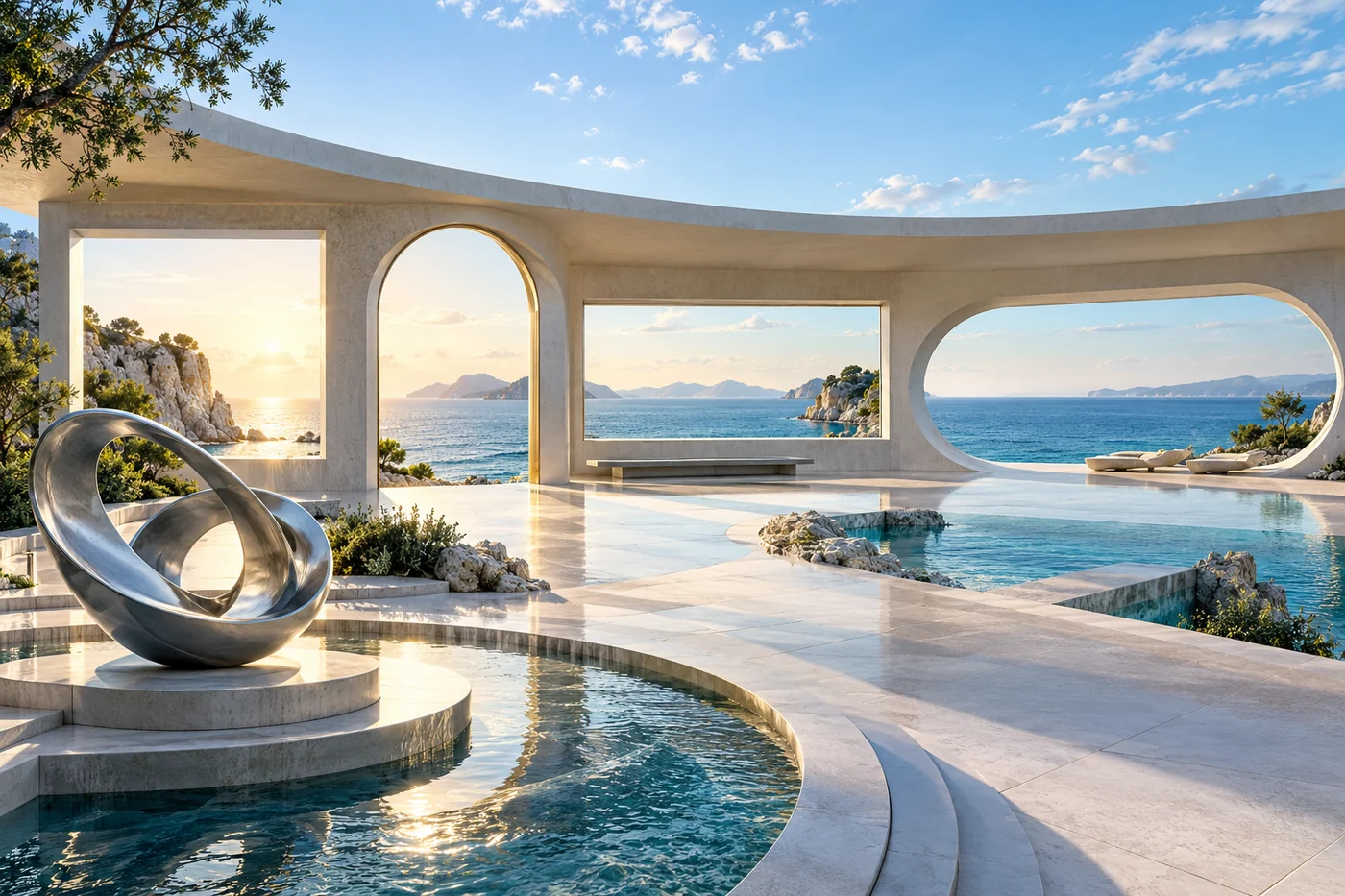
Match each idea to the model and format it needs with our AI Photo Generator. Generate a square profile image, a vertical social visual, a cinematic widescreen scene, or a custom editorial format without awkward cropping. Resolution controls let supported models produce 1K, 2K, or 4K images, while model-specific options help balance creative style, prompt understanding, detail, and credit cost.

Futuristic seaside pavilion with square, portrait, landscape, and panoramic openings

See how our AI Image Generator turns detailed prompts into original characters, fantasy creatures, and cinematic worlds in a vertical format.

What Can You Create with Our Free AI Image Generator?

Use text-to-image generation to explore ideas before a shoot, build campaign directions, or create finished visual assets.

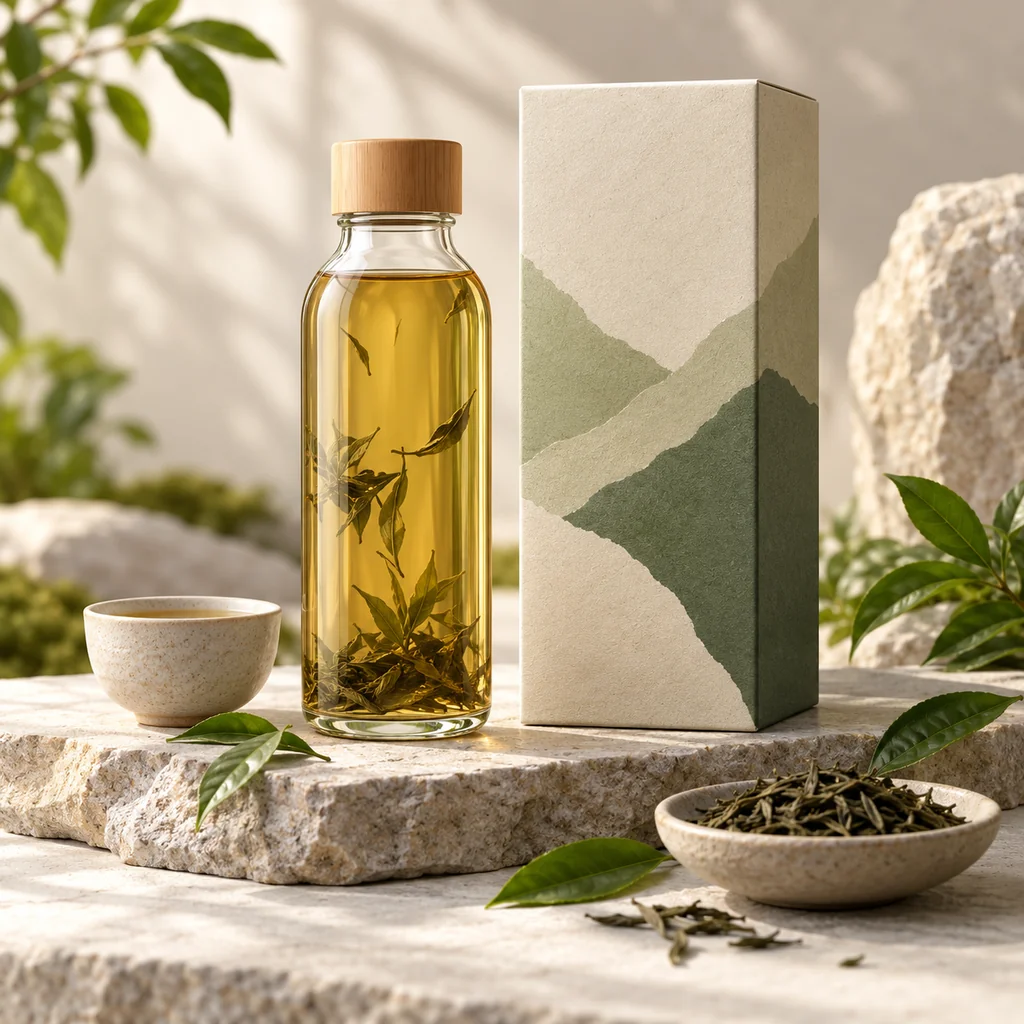
Sustainable tea bottle and packaging concept in a sunlit studio still life

AI Image Generator for Product Concepts & Brand Visuals

Turn a written brief into product mockups, packaging directions, lifestyle scenes, and cohesive brand moodboards. Define materials, colors, lighting, camera angle, and setting to explore how a concept could look across studio imagery, e-commerce listings, and launch presentations.

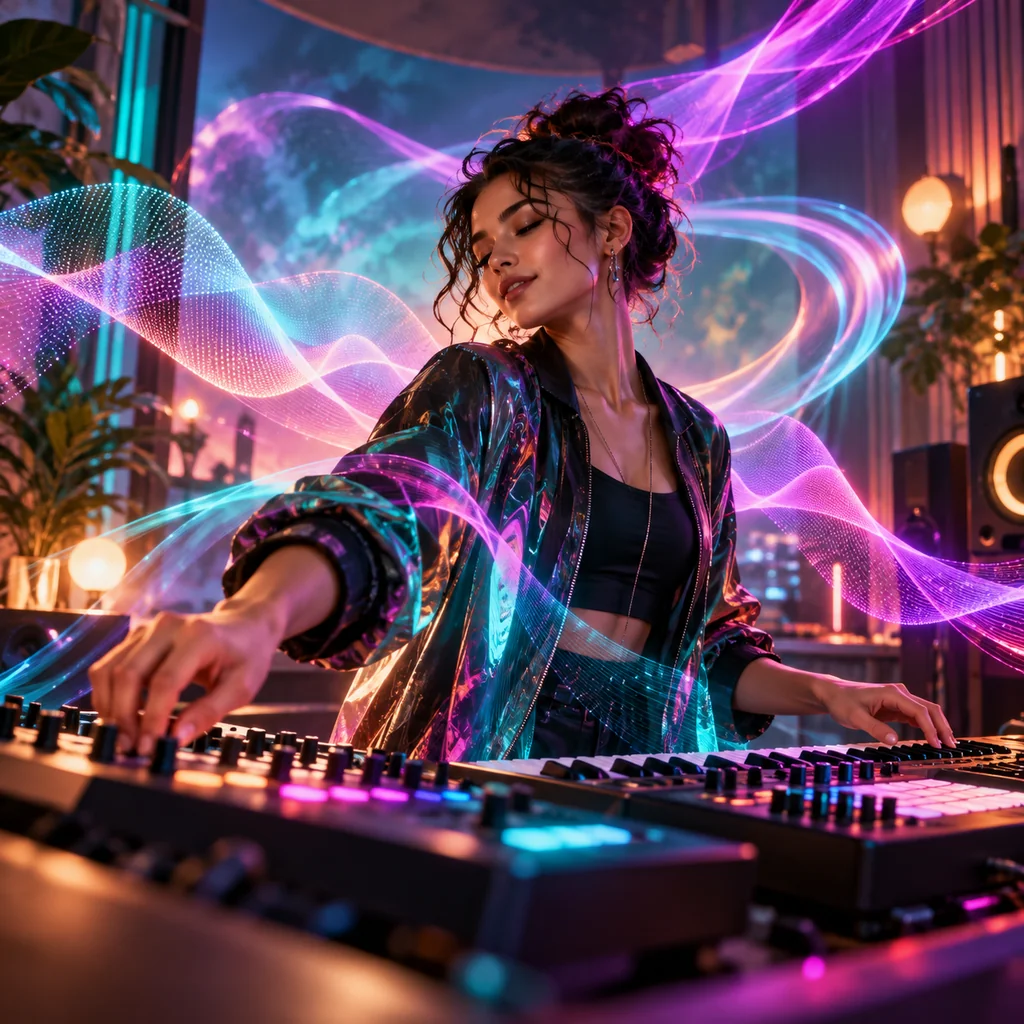
Music creator performing in a studio surrounded by teal and magenta light ribbons

Social Media & Creator Content

Create social post concepts, thumbnail artwork, channel visuals, and recurring campaign imagery with a recognizable style. Adapt the subject, composition, and mood for square posts, vertical stories, profile graphics, or widescreen video covers while keeping the creative direction consistent.

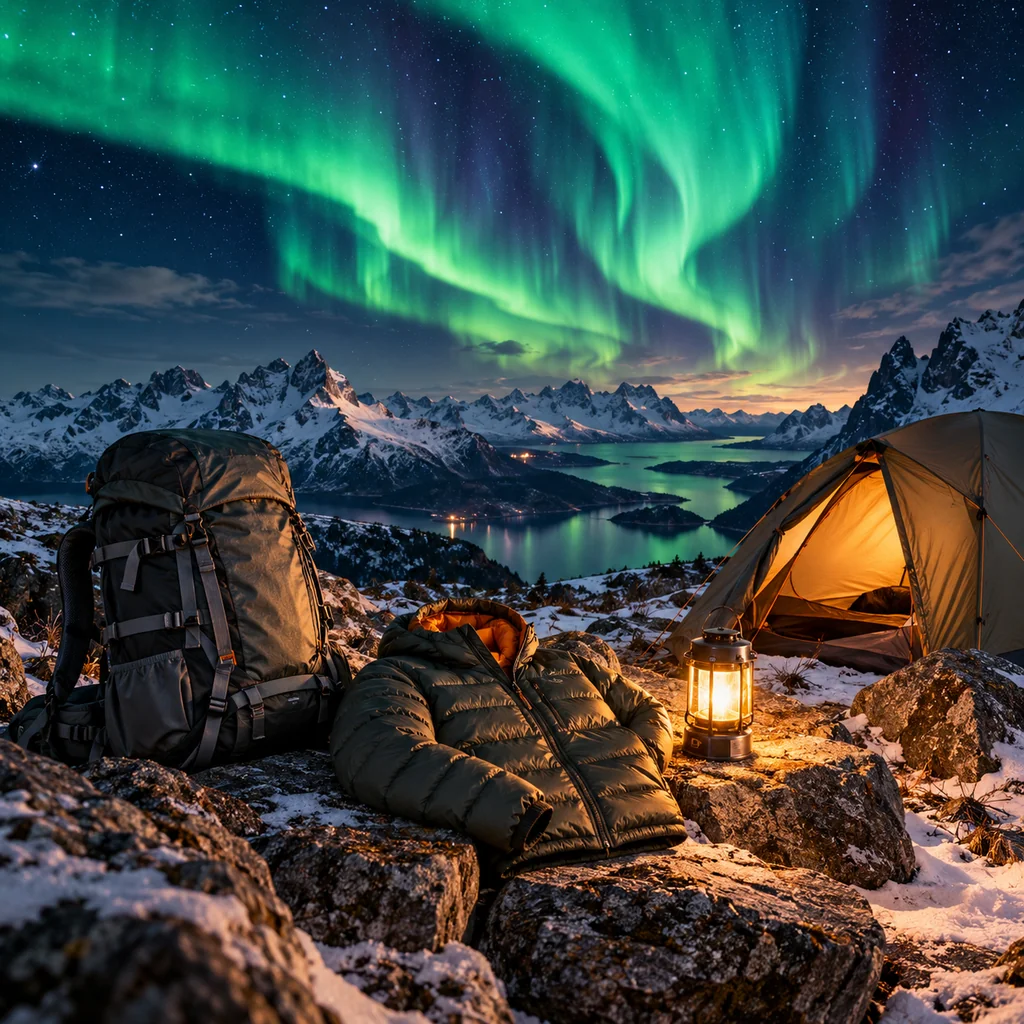
Outdoor equipment campaign concept at an alpine campsite beneath an aurora

Marketing & Advertising Creatives

Develop campaign concepts, landing-page hero images, promotional scenes, and flexible advertising backgrounds from a clear message or offer. Compare visual directions, reserve space for headlines and calls to action, and create formats for display ads, email campaigns, and seasonal promotions.

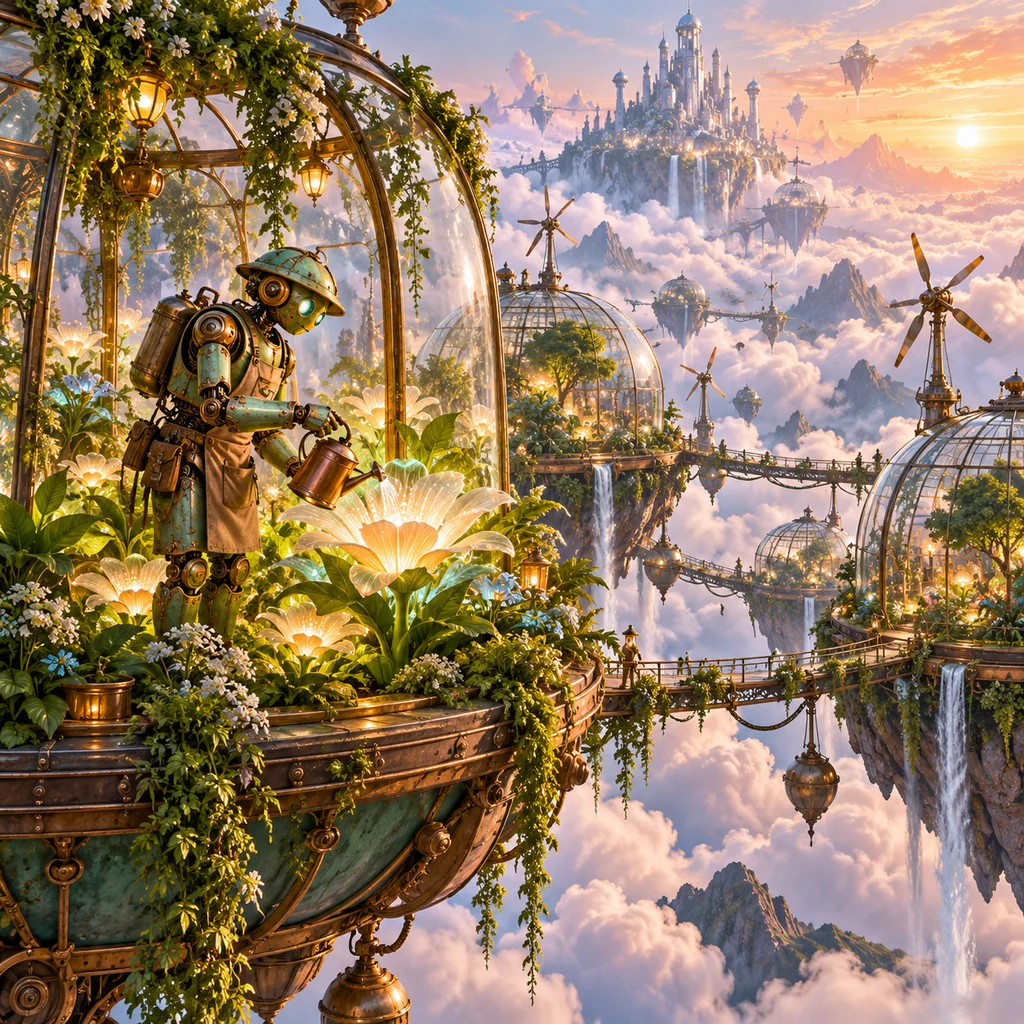
Mechanical gardener tending luminous plants in floating greenhouses above the clouds

Create Characters, Stories & Game Art Using an AI Image Generator

Imagine original characters, fantasy worlds, story scenes, cover directions, and detailed game environments from text. Describe costumes, creatures, architecture, atmosphere, and color language to establish a shared visual identity for concept art, narrative pitches, tabletop projects, or early game development.

How to Generate AI Images from Text

Use the text-to-image generator to turn your idea into a downloadable visual in three simple steps.

  1. 1

    Choose Your Model and Image Size

    Pick an AI model, then choose an aspect ratio and available resolution to fit your idea.

  2. 2

    Write Your Text Prompt

    Describe your subject, style, and lighting, or use an example prompt to get started.

  3. 3

    Generate and Download Your Image

    Click Generate Image, preview your result, then download it or continue creating in the image editor.

Built for Faster Visual Exploration

Move from a rough concept to reusable creative directions without switching between disconnected tools.

From Idea to First Concept

Use the AI picture generator to turn a few lines of text into a visual direction you can quickly evaluate.

Explore Formats with One Prompt

Restore a recent task, change the model or output format, and generate another considered variation.

Keep Results Ready for the Next Step

Preview and download finished images, or open a result in the image editor when you want to continue refining it.

Creator Reviews of Our AI Image Generator

See how different creative roles can use text prompts, models, and output formats to explore visual directions faster.

I can take a loose art direction and turn it into several visual routes before I open a layout file. Switching models and framing options gives me useful references for typography, color, and composition.
Aisha Rahman, fictional creator portrait
Aisha RahmanEditorial designer
For early pitch decks, I use the AI Image Generator to describe the mood, lens, weather, and time of day, then create a widescreen frame. It helps me test the visual tone of a scene before storyboarding it in detail.
Mateo Silva, fictional creator portrait
Mateo SilvaIndependent filmmaker
The AI Image Generator lets me explore campaign settings around a product idea, from clean studio scenes to seasonal concepts. Square and portrait outputs make it easier to compare directions for ads and social placements.
Keiko Tanaka, fictional creator portrait
Keiko TanakaProduct marketer
When a story scene feels vague, I write out the character's expression, setting, and color palette. The generated images help me spot stronger moments and prepare a clearer brief for illustration.
Nia Wallace, fictional creator portrait
Nia WallaceChildren's illustrator
Prompting environments at different times of day with the AI Image Generator gives me quick starting points for world-building. I can revisit a result, change the model or format, and keep exploring without rebuilding the concept.
Owen Laurent, fictional creator portrait
Owen LaurentGame concept artist
The simple prompt workflow works well when I teach visual ideation. Students can see how changing composition, lighting, or materials affects a result, then discuss why one direction communicates better.
Elena Petrov, fictional creator portrait
Elena PetrovCreative educator

AI Image Generator FAQ

Learn about free credits, accounts, prompts, output settings, commercial use, and result privacy.

Is this a free AI image generator with no restrictions?

You can start with free credits, but no responsible AI service is literally restriction-free. Prompts and outputs must follow applicable law, our Terms, and our Acceptable Use Policy. If you are looking for an AI image generator free no sign up, supported guest models can be used without creating an account, while advanced models and account features may require Google sign-in or paid credits.

Do I need an account to generate AI images?

You can use supported guest models without signing in. Google sign-in is required for selected advanced models, daily account credits, longer result retention, and access to My Creations.

How should I write a good text-to-image prompt?

Describe the main subject first, then add the style, composition, lighting, colors, setting, and mood you want. Specific visual details usually give the model clearer direction, and the example prompts in the generator can help you get started.

Which aspect ratios and resolutions can I choose?

Available settings depend on the selected AI model. Common square, portrait, landscape, and widescreen aspect ratios are supported, while compatible models provide output options from 1K through 4K. The current workflow creates new visuals from prompts; it is not a dedicated image collage generator or transparent image generator.

Will generated images have a watermark?

No. Images generated with Image to Image Generator are delivered without an added Image to Image Generator watermark, so you can download and use the original result.

Can I use AI-generated images commercially?

You can use generated images in commercial projects when your prompt and use comply with applicable law, our Terms and Acceptable Use Policy, and the selected model provider’s terms. AI outputs may not be unique or free from third-party claims, so review important assets before publication.

How are my prompts and generated images handled?

Prompts are sent securely to the selected AI provider for generation. Results are stored privately and delivered through short-lived signed URLs. Guest results are retained for up to 24 hours, while signed-in retention depends on the account tier.

Which AI image models are available?

If you are comparing a Chat GPT image generator, Gemini image generator, or Bing AI image generator, note that this is an independent multi-model service rather than an official ChatGPT, Gemini, or Bing product. Available choices include AI Image 3.0 and 4.0, Nano Banana, Nano Banana 2, Nano Banana 2 Lite, Nano Banana Pro, Seedream 4.0, 4.5, and 5.0, plus GPT Image 2. Model availability, output formats, login requirements, and credit costs are shown directly in the generator.

Turn your next idea into an image.

Describe the scene, choose a model and format, and generate an original visual in seconds.

Generate an AI image