Transform photos in seconds with our AI image to image generator.
Quick Select:
Image Upload
0/20,000
Try these examples
Aspect Ratio
Image Resolution
Loading recent tasks…
5essential AI tools
< 10 sectypical edit time
24 MBmaximum upload
4Khigh-resolution output
AI Style Transfer
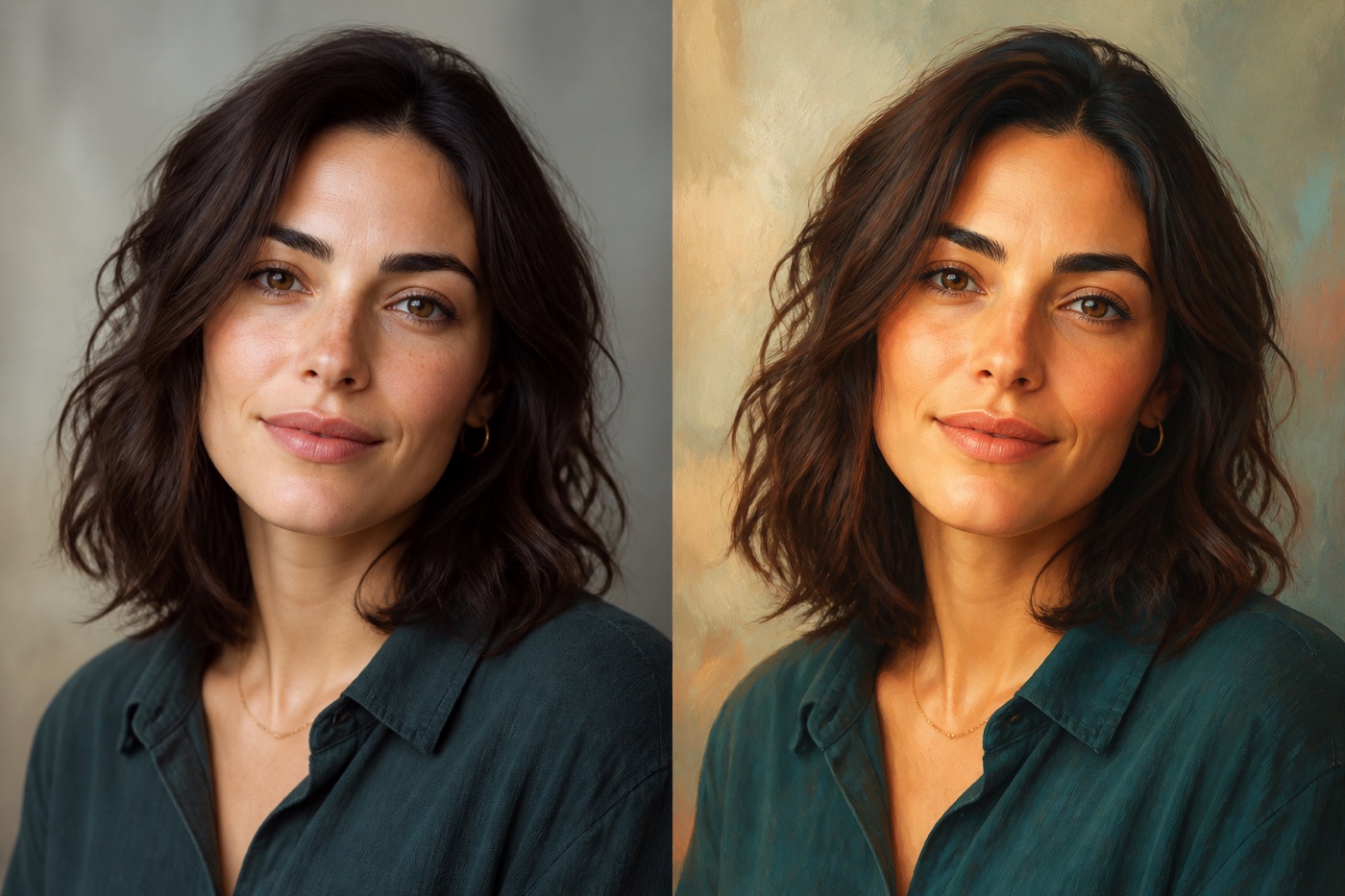
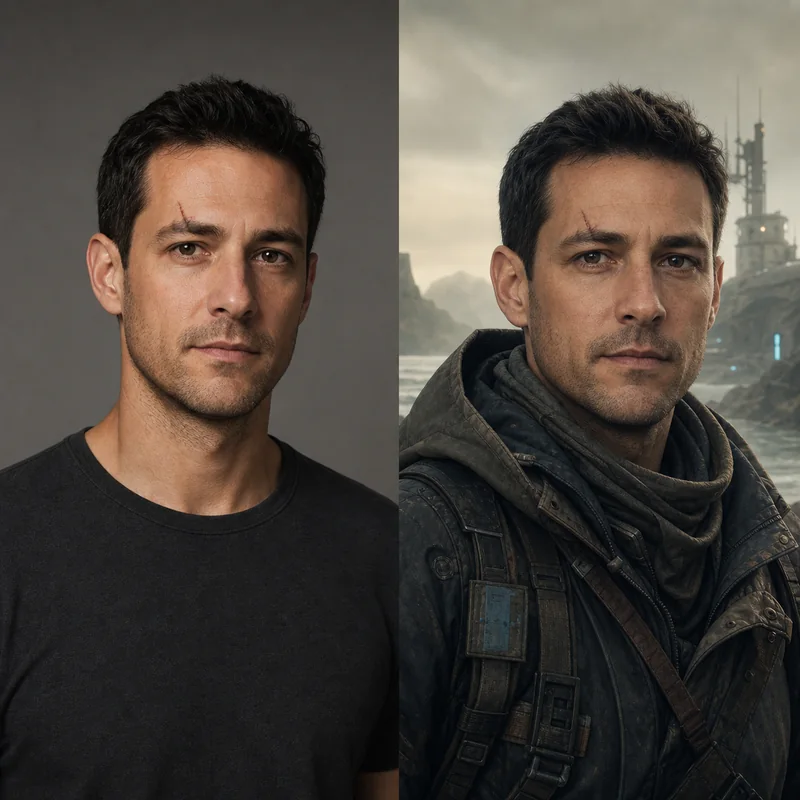
Use our AI image to image generator to transform any photo into a new visual style. Turn portraits, products, landscapes, and everyday images into cinematic scenes, digital illustrations, paintings, or stylized artwork while preserving the original subject and composition. Describe the look you want, and the AI applies new colors, textures, lighting, and artistic details in seconds.
Preserve subject identity and composition
Control colors, textures, lighting, and mood
BeforeAfter
Image to Anime AI
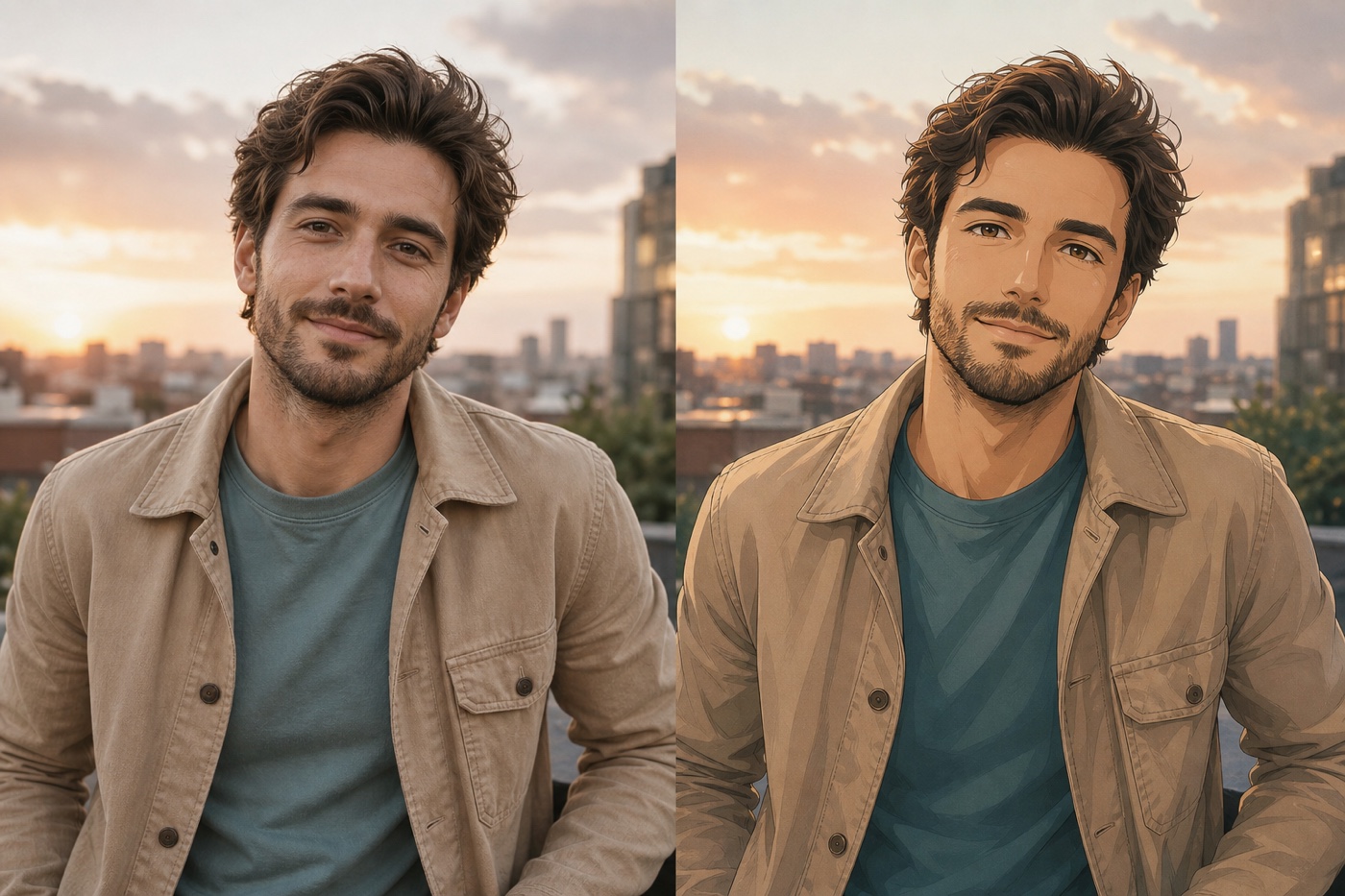
Turn any photo into polished anime artwork with AI. Transform portraits, pets, landscapes, and everyday images into expressive anime illustrations while preserving recognizable faces, poses, composition, and important details. Describe the anime look you want, from clean cel shading to cinematic manga-inspired art, and generate it in seconds.
Preserve recognizable faces and composition
Create anime, manga, and cel-shaded looks
BeforeAfter
Photo to Cartoon Generator
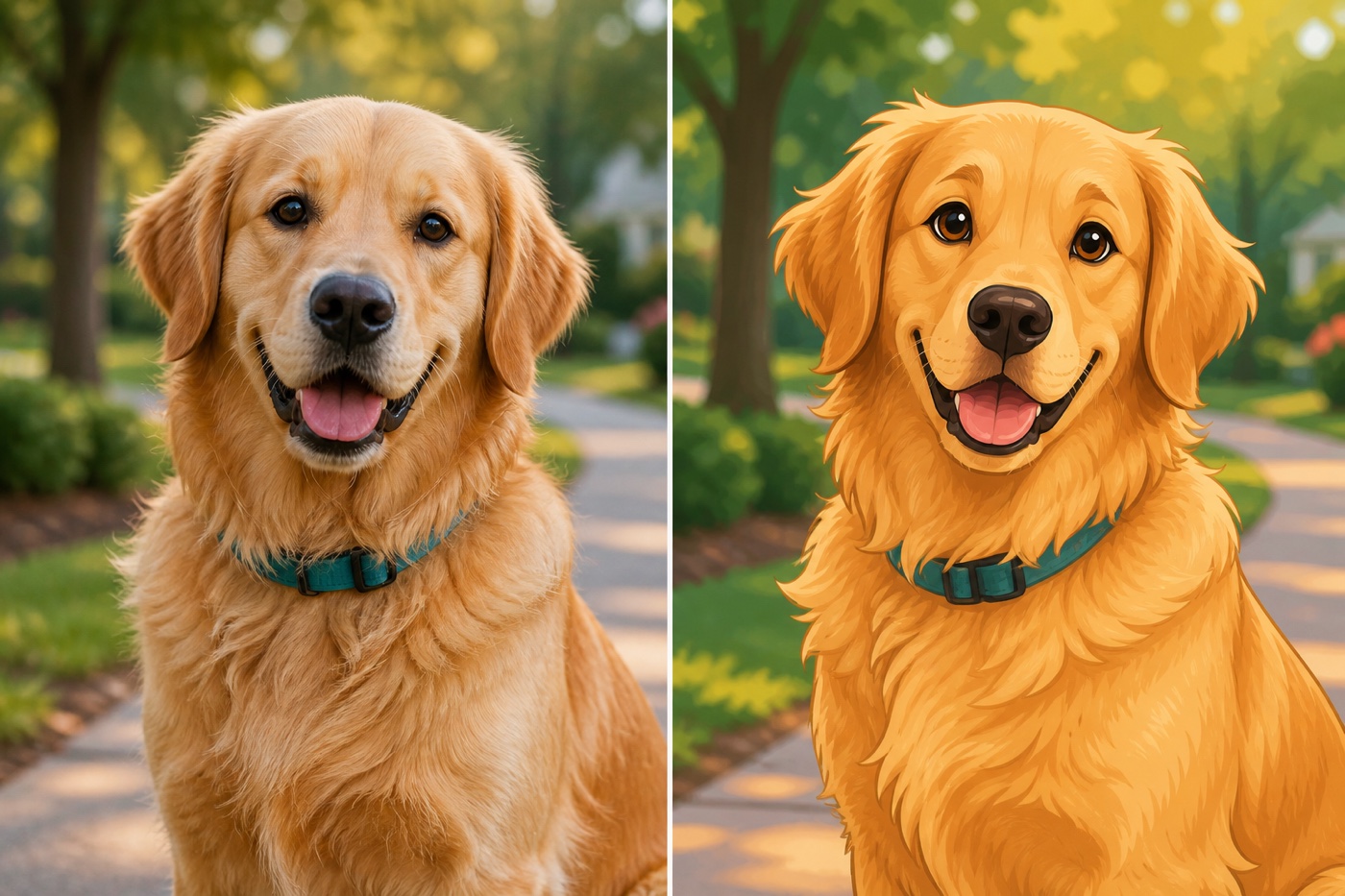
Turn any photo into custom cartoon artwork with AI. Convert portraits, pets, products, landscapes, and everyday images into colorful cartoon illustrations while preserving recognizable faces, expressions, poses, composition, and important details. Describe the look you want, from bold 2D cartoons and comic-inspired art to soft storybook or playful 3D styles.
Preserve recognizable subjects and expressions
Create 2D, comic, storybook, and 3D cartoon looks
PhotoCartoon
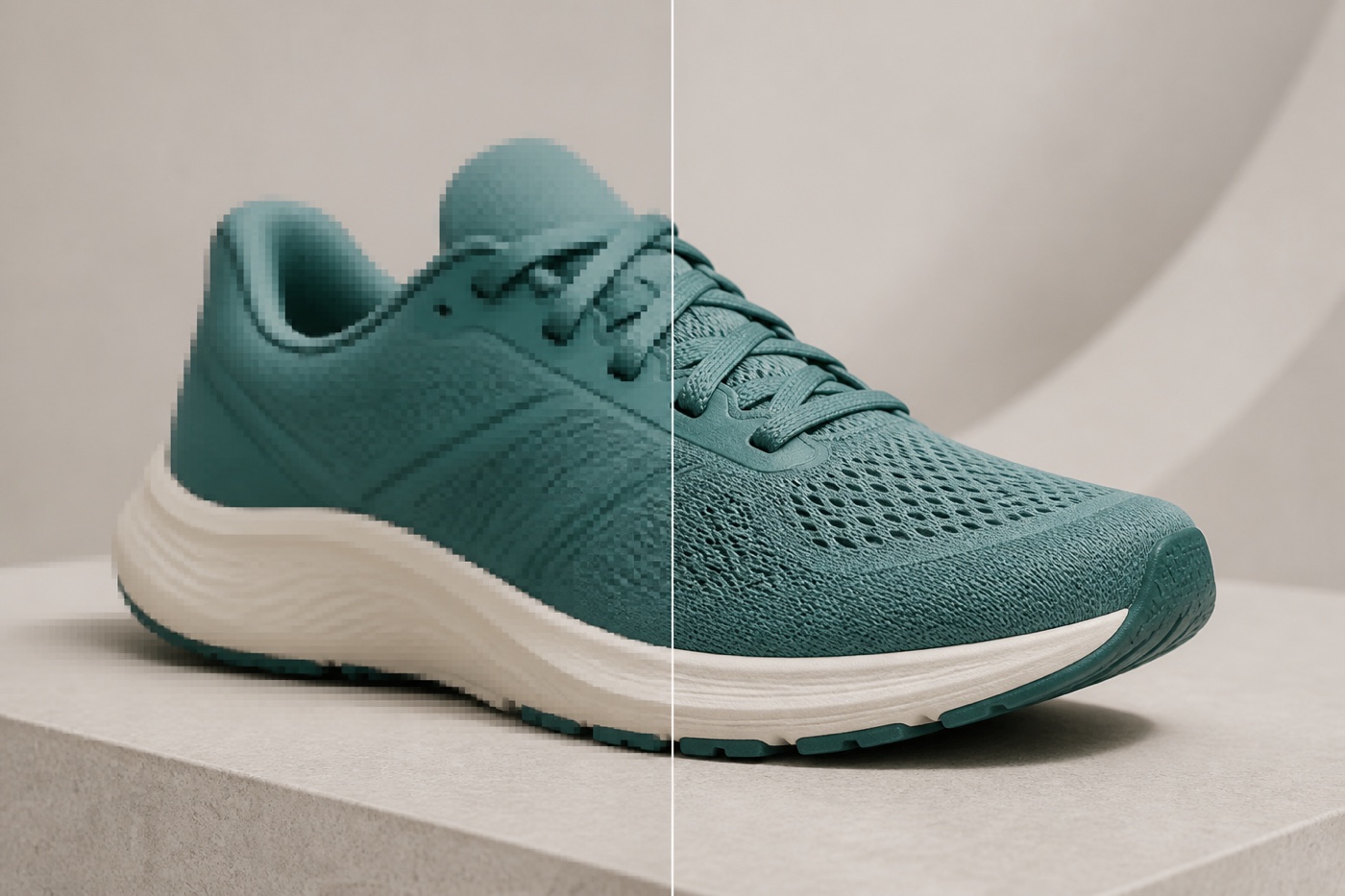
AI Image Upscaler
Upscale images with AI while restoring natural detail that basic resizing cannot create. Increase photos to crisp 2K or 4K resolution, reduce blur and compression artifacts, and improve fine details in faces, hair, fabric, and product surfaces without artificial oversharpening. Enhance portraits, product photos, old images, prints, and online content in seconds.
2× and 4× AI enhancement
Sharper details without artificial oversmoothing
Low Resolution4K Detail
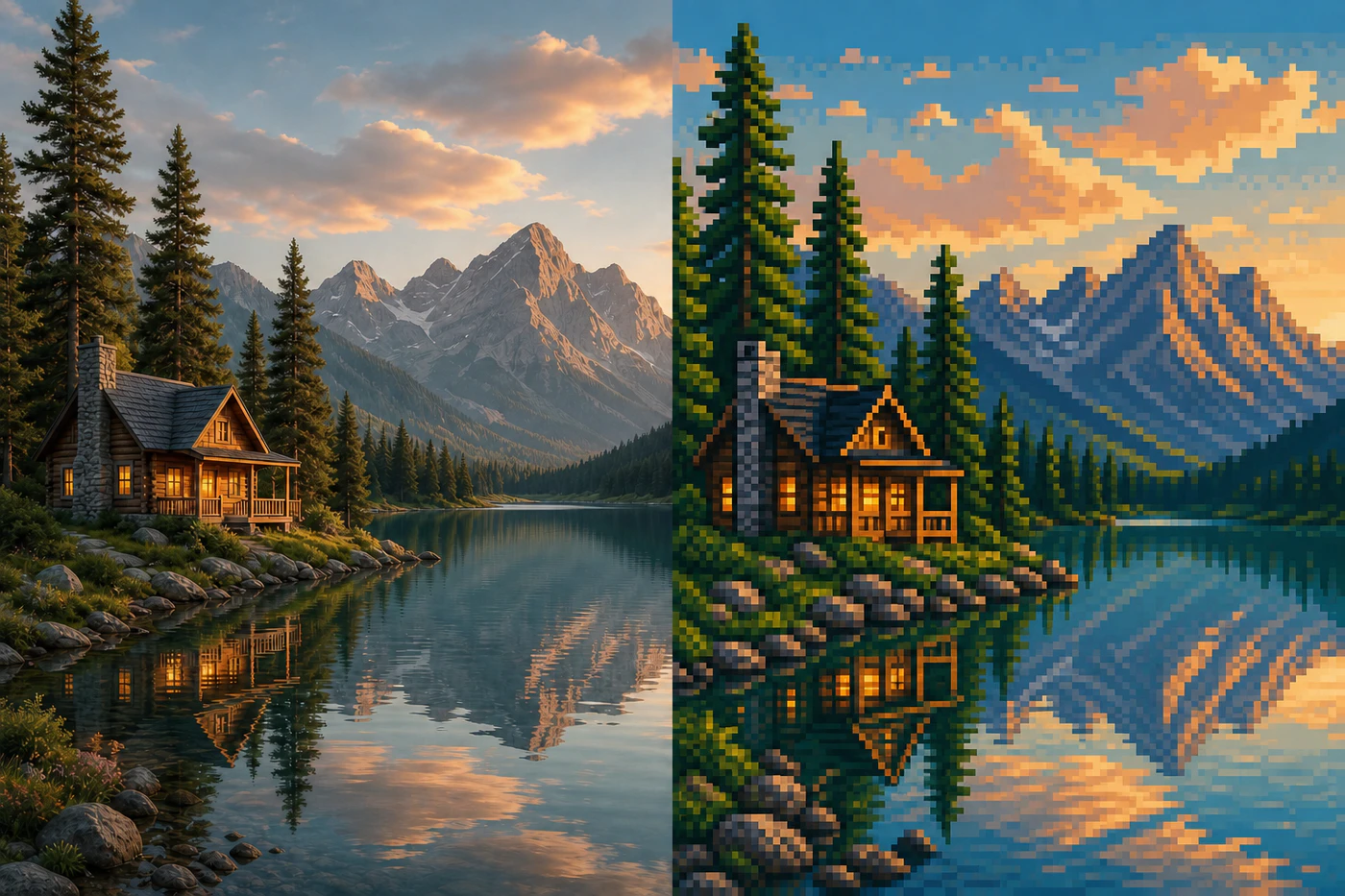
Image to Pixel Art
Turn any image into crisp, handcrafted-looking pixel art with AI. Convert portraits, pets, products, landscapes, and everyday photos into retro pixel illustrations while preserving recognizable silhouettes, colors, composition, and important details. Describe the pixel scale, color palette, and mood you want, from compact 8-bit artwork to detailed 16-bit-inspired scenes.
Preserve recognizable silhouettes and composition
Control pixel scale, palette, and retro detail
PhotoPixel Art
Real-World Use Cases for the Image to Image Generator
From e-commerce and fashion to interior design and digital entertainment, businesses and creative teams use Image to Image Generator to transform existing assets, combine visual references, and explore new concepts with simple text prompts.
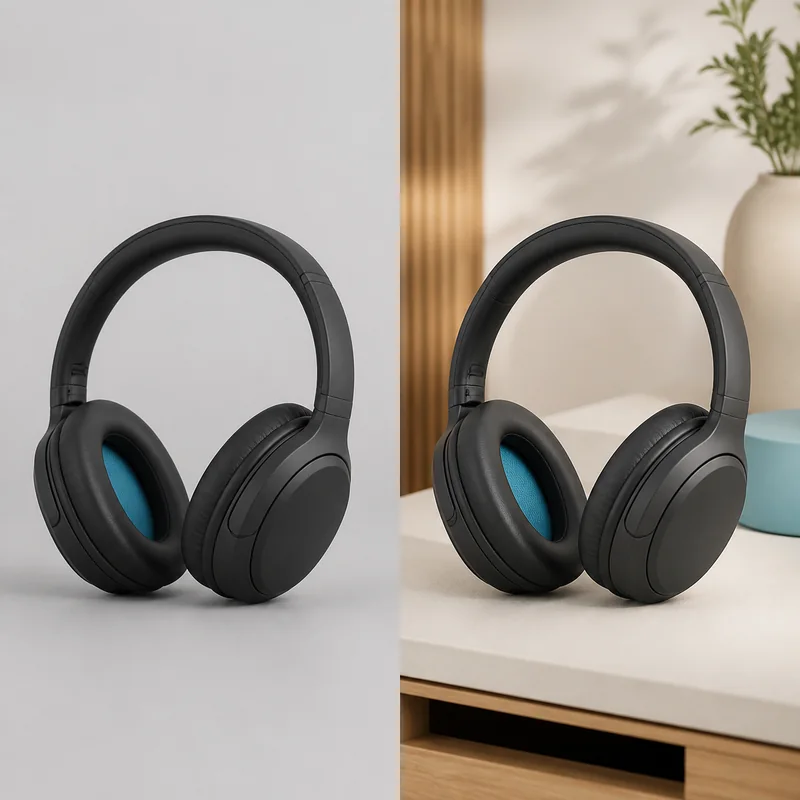
Photo to Photo AI for E-commerce & Retail
Online sellers and retail brands can use Photo to Photo AI to transform basic product photos into polished listing images, lifestyle scenes, seasonal displays, and storefront visuals. The same product reference can be reused across different backgrounds and campaign themes without organizing a new photoshoot for every variation.
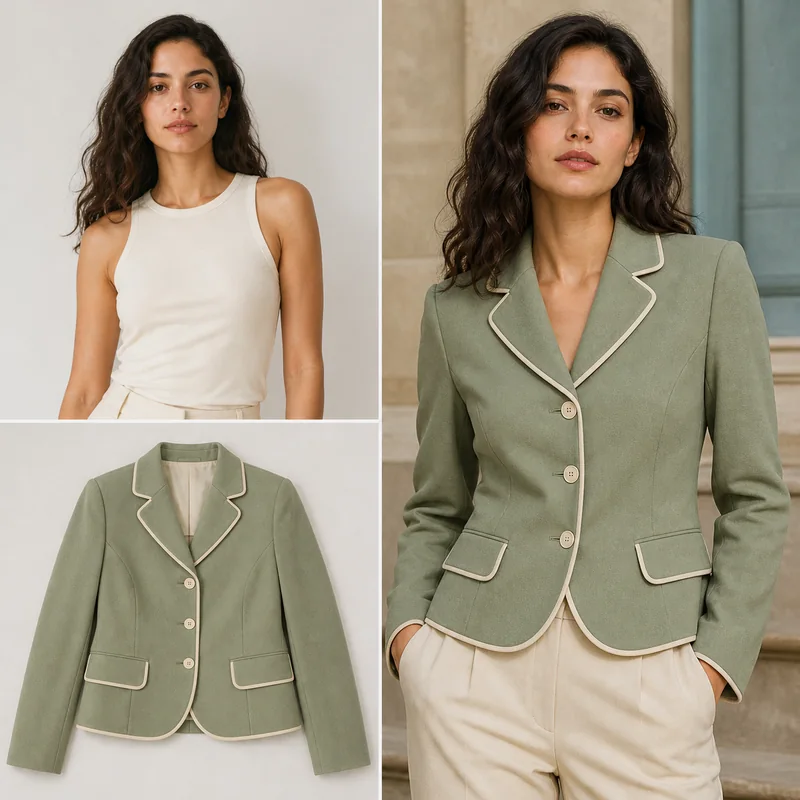
Image to Image Generator for Fashion & Apparel
Fashion brands and designers can use the Image to Image Generator to combine models, garments, accessories, poses, and locations from multiple reference images. Explore outfit variations, lookbook concepts, and campaign directions before moving into a complete production workflow.
Photo to Photo AI for Architecture & Interior Design
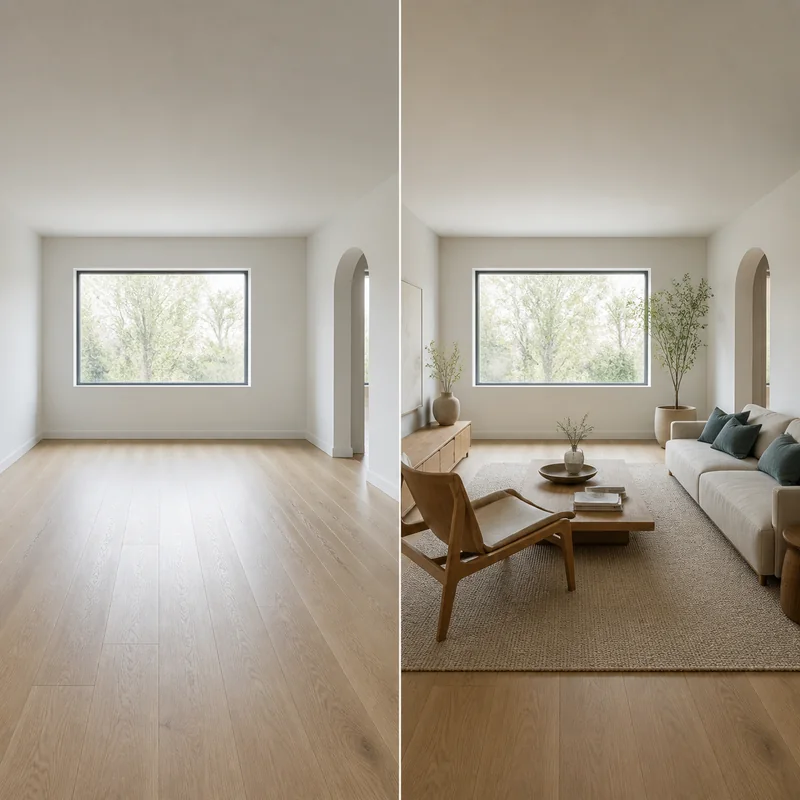
Architects, interior designers, and property teams can use Photo to Photo AI to restyle room photos, explore furniture arrangements, compare materials, and test different lighting or décor directions. Existing spaces remain recognizable while new visual concepts take shape around them.
Image to Image Generator for Media, Gaming & Entertainment
Artists, game teams, and digital creators can use the Image to Image Generator to transform portraits, sketches, and reference images into anime characters, cartoons, pixel art, and cinematic scene concepts. Visual references help preserve recognizable subjects while teams explore new styles, characters, and storytelling directions.
What is an Image to Image Generator?
An image to image generator is an AI tool that transforms an existing photo or reference image based on a text prompt. Instead of creating an image entirely from scratch, it uses the subjects, shapes, colors, composition, and visual context in your source image to generate a new version. You can restyle portraits, create anime or cartoon artwork, produce pixel art, change scenes, combine references, or enhance image quality while keeping important details recognizable.
Upload an image, enter a prompt, and start transforming it with free credits—no account required for the basic workflow. Choose a model, control the output ratio and resolution, and preview your result directly in the editor. Some advanced models or account features may require sign-in, but you can try the core image-to-image experience first.
Online Image to Image AI — Works in Your Browser
Use the image to image generator online without downloading or installing editing software. Upload your reference images, choose an AI model, describe the transformation, and download the finished result through your browser. Image processing is handled by secure online AI services, so the workflow stays simple across desktop and mobile devices.
AI Picture-to-Picture Generation — Beyond Basic Filters
Traditional photo filters apply the same preset adjustments to every image. AI picture-to-picture generation understands the subjects, composition, and visual context in your source image together with your prompt. It can change style, lighting, clothing, background, materials, or scene details while preserving the elements you want to keep.
How to Use Our Free Image to Image Generator
1
Choose an Image to Image AI Model
Select the model that best fits your transformation. Image to Image 3.0 and 4.0 handle precise everyday changes, while Nano Banana, Seedream, and GPT Image models offer different creative styles, reference capabilities, resolutions, and generation speeds.
2
Upload One or More Reference Images
Upload a JPEG, PNG, or WebP image up to 24 MB for a single-image transformation. For Multi-Image Fusion, add multiple reference images to combine people, products, styles, or scenes into one consistent result.
3
Describe the Transformation You Want
Add a clear text prompt describing the new style, subject, colors, lighting, background, or composition. Ask the AI to create anime art, a cartoon, pixel art, a cinematic restyle, a product variation, or a sharper high-resolution image.
4
Generate and Download Your New Image
Select Generate Images and follow progress in the preview panel. Review the finished transformation, compare it with your source image, and download the high-resolution result when it is ready—without learning complicated design software.
Single ImageMulti-Image Fusion
1Model
Image to Image 4.0Precise transformations with high-resolution output
2Image Upload
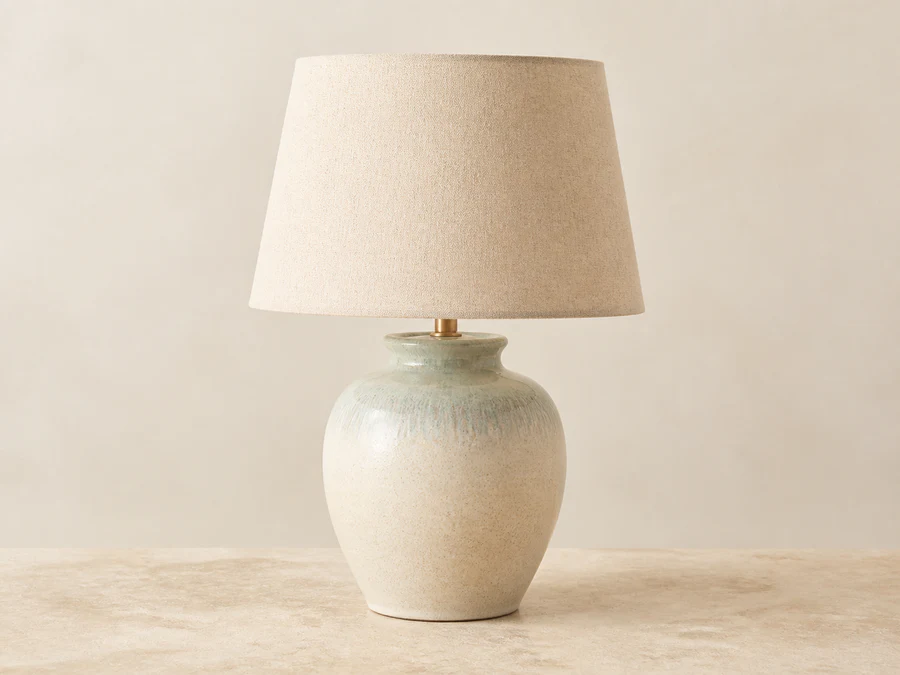
ceramic-lamp.webpReady to edit · WebP
3Prompt
Transform this product photo into a warm cinematic lifestyle scene.
4Generate Images
Your transformed image is ready to download
Real User Reviews About Our Free Image to Image Generator Online
Feedback from creators, sellers, photographers, and everyday users who rely on our AI Photo Editor for polished images without a complicated workflow.
The Image to Image Generator gives my product photos a clean, consistent storefront look without hours of manual tracing. Fine chair edges and small details stay clear, so I can publish new listings much faster.
Maya ChenOnline seller
The AI Image Editor lets me remove a distraction, clean up the frame, and prepare a polished social post in one workflow. I spend less time switching between complicated design tools.
Jordan DavisContent creator
I use the AI Photo Editor to clear people, signs, and cables from travel shots. The surrounding texture stays natural enough that the final image still feels like the place I photographed.
Sofia AlvarezTravel photographer
The AI Photo Editor has a simple upload-and-edit flow that helps me prepare promotional images between other tasks. Even quick changes look polished enough for ads, email campaigns, and website updates.
Ethan BrooksSmall business owner
The Image to Image Generator makes it easy to export a transparent PNG and move a clean subject directly into a layout. Hair and product edges usually need very little extra cleanup before I continue designing.
Naomi OkaforGraphic designer
The AI Photo Editor brings useful clarity back to older family photographs without making faces look overly smooth or artificial. I can create cleaner digital copies while preserving the character of the originals.
Eleanor HayesFamily archivist
The Image to Image Generator helps me remove small distractions so property listings look tidier without changing the character of the space. It is especially useful when I need consistent images across several listings.
Daniel KimReal estate agent
The AI Image Editor lets me improve low-resolution images before placing them into slides, reports, or class projects. The workflow is quick to understand, and the finished assets look much more presentable.
Priya ShahStudent creator
The edits stay natural enough for fast client previews, and the before-and-after comparison is easy to review at a glance. It helps me discuss retouching choices before final delivery.
Marcus ReedPortrait photographer
Image to Image Generator FAQ
Answers about free credits, supported files, multi-image generation, commercial use, output quality, and privacy.
Is this image to image generator really free?
Yes. You can try the Image to Image Generator with free credits, and the basic workflow does not require an account. Each generation uses credits based on the selected model and settings, while some advanced models, higher limits, and account features may require Google sign-in or paid credits.
What image formats are supported?
You can upload JPEG, PNG, and WebP images up to 24 MB per file. Single Image uses one reference image, while Multi-Image Fusion accepts up to five reference images for a single generation.
Can I use this for commercial projects?
Yes. You can use generated images for commercial projects, provided you have the necessary rights to your uploads and your use complies with applicable law, our Terms and Acceptable Use Policy, and any underlying model-provider terms. AI outputs may not be unique or free from third-party claims, so review them before publication.
How does the image to image generator work?
Upload one or more reference images, describe the transformation in a text prompt, choose an AI model, aspect ratio, and resolution, then select Generate Images. The model uses your prompt together with the subjects, composition, colors, and visual context in the reference images to create a new result.
Does this support pure text-to-image generation?
The homepage editor uses one or more reference images. For pure text-to-image generation, use our AI Image Generator to create an original image from a written prompt.
Can I combine multiple reference images?
Yes. Switch to Multi-Image Fusion and upload up to five reference images. You can combine people, clothing, products, styles, and locations, then use the prompt to explain which elements the generated image should preserve or transform.
What can I create with image to image AI?
You can create AI style transfers, anime and cartoon portraits, pixel art, product mockups, new backgrounds, scene variations, outfit concepts, character designs, multi-image compositions, and enhanced or upscaled versions of existing photos.
Do I need an account, and will my result have a watermark?
You can try the basic image to image workflow without creating an account. Google sign-in may be required for advanced models, daily account credits, longer result retention, and My Creations. Finished results are delivered without an Image to Image Generator watermark.
Can I generate or upscale images to 4K?
Yes. Available output resolutions depend on the selected model, with supported models offering options up to 4K. You can also use the AI Image Upscaler to improve clarity and resolution, although the final level of detail depends on the source image and model.
How are my uploaded images and results handled?
Images and prompts are transferred securely and processed by our configured AI providers. Media is stored privately and delivered through short-lived signed URLs. Guest results are retained for up to 24 hours, while signed-in retention depends on the account tier. Review the Privacy Policy before uploading sensitive content.
Reimagine any photo with AI.
Upload an image, describe the transformation you want, and create a new HD result — free, online, and without signing up.